Chat-native control
Start sessions, switch context, send prompts, and cancel work — all from a message thread.
Get started
Open source · Drive any agent
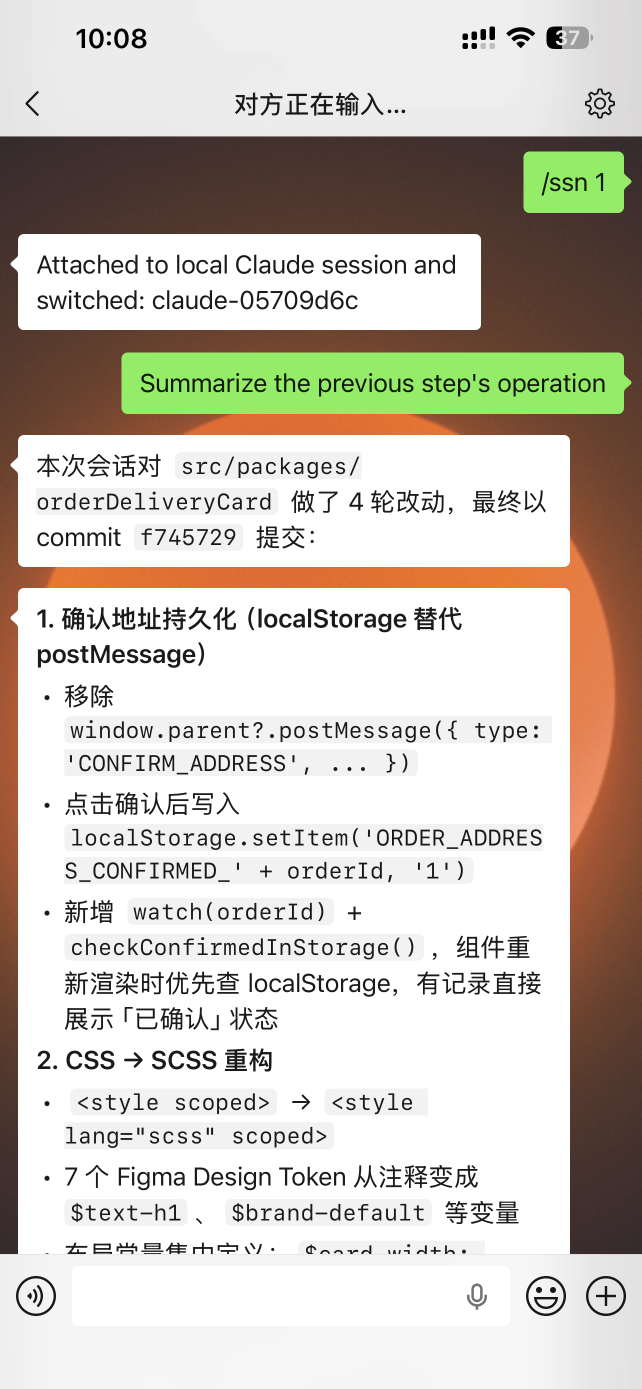
Drive Codex, Claude Code & Gemini sessions from WeChat, Feishu, Yuanbao — no terminal required.
Works with — runs in
Start it, prompt it, check on it — without ever opening a terminal.
Start a session
One command binds an agent to a workspace.
Send a prompt
Any non-slash message goes straight to the agent.
Stay in control
/status, /cancel, /use — switch live, anytime.
xacpx bridges a chat message to an acpx agent session running on your machine.
Logical session
xacpx-managed: alias, agent, workspace, per-user chat context.
Transport session
acpx-managed: the real named acpx session on the backend.
A coordinator fans sub-tasks out to workers and gathers results back through the external MCP surface.
Orchestration →Queue prompts with /later — relative or absolute times, in a temporary or a bound session.
Scheduled tasks →WeChat is built in; Feishu and Yuanbao are official plugins — third-party channels follow the same interface, no core changes.
Build a channel →xacpx is a chat-channel console for remotely controlling acpx agent sessions. It acts as a bridge between your chat application and the agent CLI running on your machine, letting you start, switch, and cancel agent work without leaving your phone.
You can use xacpx to drive Codex, Claude Code, Gemini, OpenCode, and any other agent that acpx supports — all from a familiar messaging interface.
xacpx is the right tool when you want lightweight, on-the-go access to long-running agent sessions. Common scenarios include:
If your workflow is entirely local and terminal-based, you do not need xacpx — it adds value specifically through the chat channel layer.
The typical sequence is four steps:
xacpx start/ss codex -d /path/to/project or /use <alias>/ is forwarded to the current session/status, /cancelSession model. xacpx maintains two distinct layers of session state. A logical session is xacpx-managed: it holds an alias, the chosen agent, a workspace binding, and the per-user chat context. A transport session is the actual named acpx session running on the backend. /session new (or the shorthand /ss) creates both at once. /session attach creates only the logical session and binds it to a transport session that already exists — useful when you have an acpx session running independently and want to hook xacpx's chat layer on top of it without disturbing the existing conversation.
xacpx ships with WeChat as the built-in default channel. Additional channels are distributed as official plugin packages:
| Channel | Package |
|---|---|
| WeChat (built-in) | — |
| Feishu | @ganglion/xacpx-channel-feishu |
| Yuanbao | @ganglion/xacpx-channel-yuanbao |
Third-party channels follow the same plugin interface. Install a channel plugin with xacpx plugin add <package>, configure it with xacpx channel add <name>, then restart the daemon.
/ss, /use, /cancel, and more)